
4-Port USB 3.0 8K DisplayPort KVMP™ Switch (Cables included)
CS1924A
Control four computers with a single USB keyboard and mouse while sharing USB peripherals and enjoying ultra-high-resolution video.
Features
- Superior video quality – up to 7680 × 4320 @ 60 Hz, 5120 × 2880 @ 60 Hz and 4096 × 2160 @ 240 Hz
- Two USB 3.1 Gen 1 ports with SuperSpeed 5 Gbps transfer rates
- Supports DisplayPort Dual-Mode technology (DP++)1
- Supports MST (Multi-Stream Transport) 2
- DisplayPort 1.4 compliant; HDCP compliant
- Supports HDR 10+
- Supports HD Audio3
- Supports Daisy-chaining setup4
- Supports hot-plugging
- One USB keyboard and mouse control four DisplayPort computers and share two USB peripherals
- Computer selection via pushbuttons, remote port selector, hotkeys, mouse5, and RS-232 commands
- Independent switching of KVM, USB, and Audio
- Supports Console keyboard/mouse emulation/bypass feature
- Power-on detection automatically switches to the next active computer
- Firmware upgradable – supports performance optimization and compatibility improvements through firmware updates
- Multilingual keyboard mapping – supports English, Japanese, French, and German keyboards6
- Plug & play
- All DisplayPort/USB cables and power adapter included for hassle-free installation – no extra purchases needed
- Multiplatform support – Windows, Mac, and Linux Note: 1. DP++ (DP Dual Mode) requires a DP++ adapter (powered DP++ adapter recommended). The graphics source must be DP++ compliant. 2. MST (Multi-Stream Transport) requires monitors capable of DisplayPort 1.4 daisy-chaining or the use of a powered DisplayPort MST hub. The PC source must be DisplayPort 1.4 compliant. A DisplayPort 1.1a or 1.2 display can be the last display in a DisplayPort 1.4 chain. 3. HD audio through HDMI cannot be switched independently. 4. Supports Daisy-chaining setup for dual- or triple-display control - single-display models can connect with single- or dual-display models for dual- or triple-display setups using one keyboard and mouse. 5. For 3-button USB wheel mouse only. Mouse-port switching is supported only under mouse emulation mode. 6. PC keyboard combinations emulate Mac keyboards. Mac keyboards only work with Mac computers.
Specifications
- Computer Connections
- 4
- Port Selection
- Hotkey, Pushbutton, Mouse wheel, RS-232 Commands, Remote Port Selector
Connectors
- Console Ports
- 2 x USB Type A Female 1 x DisplayPort Female (Black) 2 x 3.5mm Audio Jack Female (Green; 1 x front, 1 x rear) 2 x 3.5mm Audio Jack Female (Pink; 1 x front, 1 x rear)
- KVM (Computer) Ports
- 4 x USB3.1 Gen1 Type B Female (Blue) 4 x DisplayPort Female (Black) 4 x 3.5mm Audio Jack Female (Green) 4 x 3.5mm Audio Jack Female (Pink)
- Daisy Chain Ports
- 1 x RJ-45 Female
- Power
- 1 x DC Jack
- USB Hub
- 2 x USB3.1 Gen1 Type A Female (Blue; 1 x front; 1 x rear)
LEDs
- KVM
- 5 (Orange)
- Audio
- 5 (Green)
- USB Link
- 5 (Green)
Switches
- Selected
- 5 x Pushbutton
- Station Selection
- 1 x Slide Switch
Emulation
- Keyboard / Mouse
- USB
- Video
- Up to 7680 x 4320 @ 60Hz, 5120 x 2880 @ 60Hz, 4096 x 2160 @ 240Hz
- Scan Interval
- 1-99 seconds (default: 5 seconds)
- Power Consumption
- DC12V:3.18W:101BTU/h Note: ● The measurement in Watts indicates the typical power consumption of the device with no external loading. ● The measurement in BTU/h indicates the power consumption of the device when it is fully loaded.
Environmental
- Operating Temperature
- 0–50°C
- Storage Temperature
- -20–60°C
- Humidity
- 0-80% RH, Non-condensing
Physical Properties
- Housing
- Metal
- Weight
- 0.62 kg ( 1.37 lb )
- Dimensions (L x W x H)
- 26.00 x 7.30 x 4.30 cm (10.24 x 2.87 x 1.69 in.)
- Note
- For some of rack mount products, please note that the standard physical dimensions of WxDxH are expressed using a LxWxH format.
Firmware
Similar products
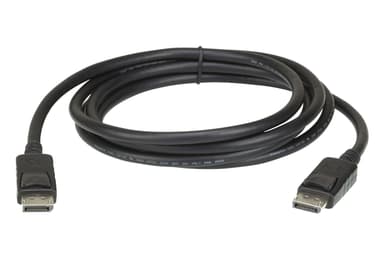
2L-7D02DP
2 m DisplayPort rev.1.4 Cable
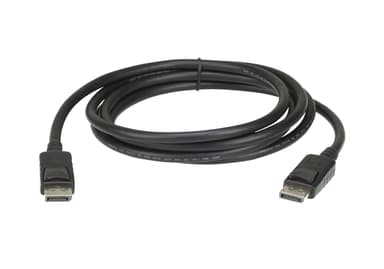
2L-7D03DP
3 m DisplayPort rev.1.2 Cable
2L-7D03DP-1
3 m DisplayPort rev.1.4 Cable
2L-7D04DP
4.6 m DisplayPort rev.1.2 Cable
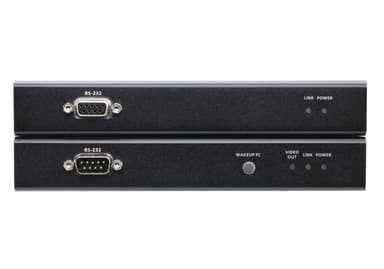
CE920
USB DisplayPort HDBaseT™ 2.0 KVM Extender (4K@100 m)
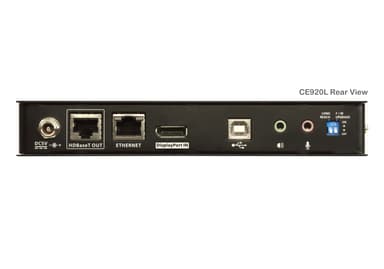
CE920L
USB DisplayPort HDBaseT™ 2.0 KVM Extender (Local Unit) (4K@100)
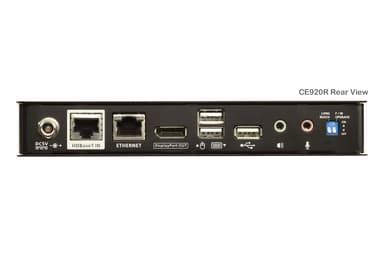
CE920R
USB DisplayPort HDBaseT™ 2.0 KVM Extender (Remote Unit) (4K@100)
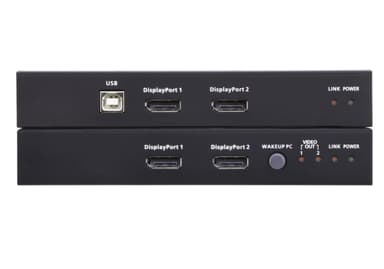
CE924
USB DisplayPort Dual View HDBaseT™ 2.0 KVM Extender (4K@100m for Single View)
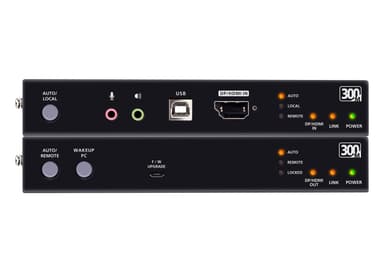
CE980
USB True 4K DisplayPort/HDMI Optical KVM Extender (True 4K @ 300 m)
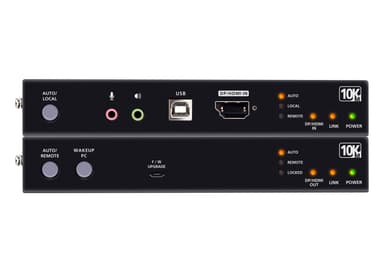
CE990
USB True 4K DisplayPort/HDMI Optical KVM Extender (True 4K @ 10 km)
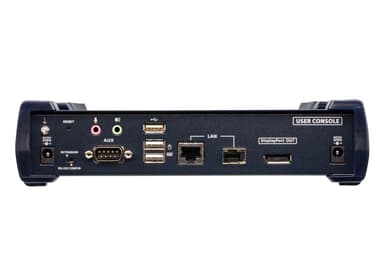
KE9950R
4K DisplayPort Single Display KVM over IP Receiver
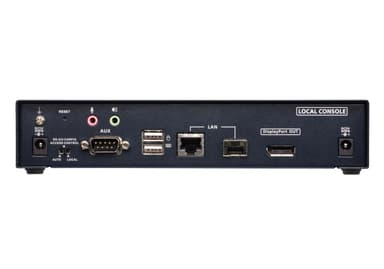
KE9950T