
Management software consolidating ATEN RCM KVM over IP devices under single sign-on. Provides device grouping, panel array viewing up to 5 x 5, AD server authentication and scheduled RPA scripting; licensed per port.
Features
- Device and Panel Array Grouping for easy, convenient management
- Single sign-on to consolidate the management of all ATEN RCM devices
- AD server authentication for convenient account management
- Visualized RPA flow charts – allow users to set advanced RPA scripts that can be executed according to a specified schedule
- Flexible image setting for various, all-encompassing applications
- Instantaneous remote access to RCM device ports by double-clicking for emergency management via WinClient viewer
- Customizable Panel Array layout for up to 25 (5 x 5) simultaneous port monitoring
- Supports full screen pre-view and WinClient viewer in a maximal size
- Event notification and Access Control Box pushbutton alert
- Log records for easy tracking – able to store RCMMS system log records so operators can analyze past usability and plan future optimization
- Supports up to 10 language options
- Customized theme and logo for OEM customers, as well as customizable settings to meet the various customer needs and different applications
- Export / import of all RCMMS settings, including device group list for easy deployment
- Two types of user account that can be configured for easy management – Administrator and User. Administrators have full access and configuration rights to the RCMMS and all RCM devices / ports added while users have access and configuration rights only to the RCM devices / ports they are authorized for
- Device / Port status indication – supports up to 5 kinds of device status that are indicated by icons to easily identify the connection status of all devices / ports at a glance
License
- License Options
- RCMMS001BAO (RCMMS basic version license for 1 port) RCMMS001AAO (RCMMS advanced version license for 1 port)
- Viewer
- WinClient Panel array mode (up to 5x5)
Compatible Appliances
- KVM over IP switches
- RCM101A/RCMDVI101/RCMVGA101/RCMDP101U/RCMHD101U RCM416A/RCM816A/RCM416VA/RCM432VA/RCM464VA RCMDVI00AT/RCMDVI40AT/RCMDVI00BT/RCMDVI40BT/RCMDVI50T
- Authentication & Authorization
- Local user account authentication and management (administrator and normal user) Data store is secured by AES-256 encryption
- Notification
- System messages
- Task scheduling
- Export/Import database and configuration backup/restore (.db) Export/Import user accounts (.xlsx) Export/Import device lists (.dev) Export logs (.log)
- Logs
- System logs Device logs
- Supported OS
- Windows 7 or above
- Multilingual Support
- English, 繁體中文, 简体中文, 日本語, 한국어, Française, Español, Português, Deutsch, Pусский.
- Minimum Hardware Requirements
- CPU: Intel® Core™ i5 CPU or above Memory: 8GB or above Hard drive: RCMMS taking up around 400 MB Ethernet: Giga LAN recommended
Similar products
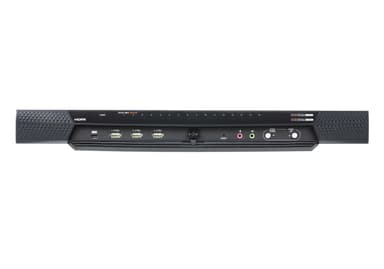
RCM416A
1-Local/4-Remote Shared Access 16-Port Multi-Interface Cat 5 KVM over IP Switch
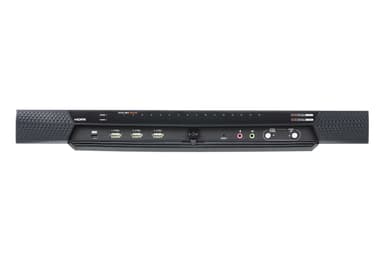
RCM416VA
1-Local/4-Remote Shared Access 16-Port Multi-Interface Cat 5 KVM over IP Switch
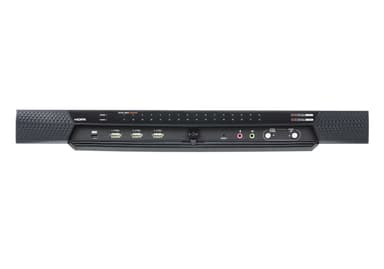
RCM432VA
1-Local/4-Remote Shared Access 32-Port Multi-Interface Cat 5 KVM over IP Switch
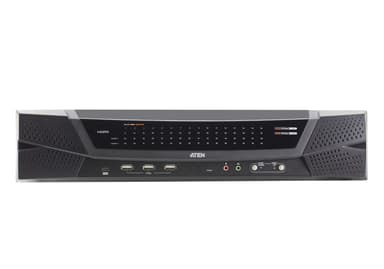
RCM464VA
1-Local/4-Remote Shared Access 64-Port Multi-Interface Cat 5 KVM over IP Switch
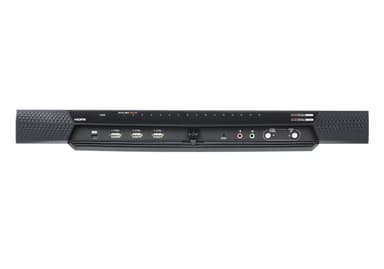
RCM816A
1-Local/8-Remote Shared Access 16-Port Multi-Interface Cat 5 KVM over IP Switch
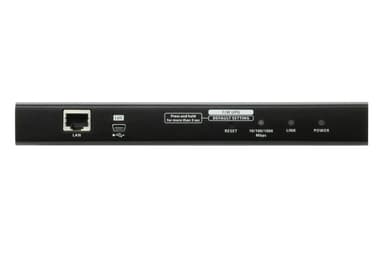
RCM101A
1-Local/Remote Shared Access Single Port VGA KVM over IP Switch
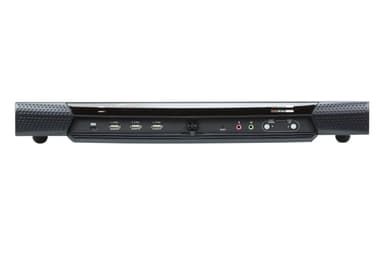
RCM416
The Remote Control & Monitoring (RCM) Series of KVM over IP switches
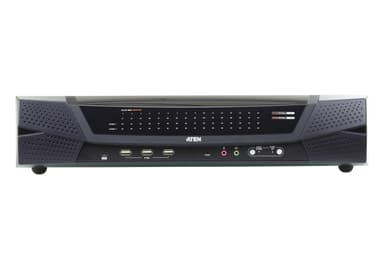
RCM464V
The Remote Control & Monitoring (RCM) Series of KVM over IP switches
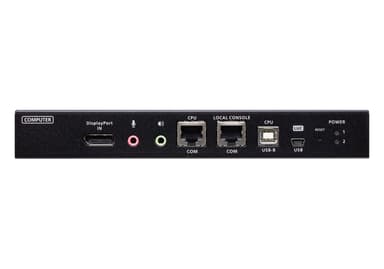
RCMDP101U
1-Local/Remote Share Access Single Port 4K DisplayPort KVM over IP Switch
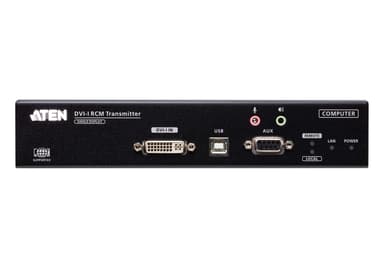
RCMDVI00AT
DVI-I Single Display KVM over IP Transmitter with Remote Access
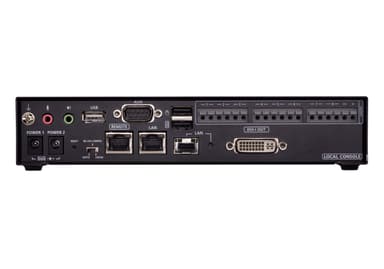
RCMDVI00BT
DVI-I Single Display KVM over IP Transmitter with Remote Access
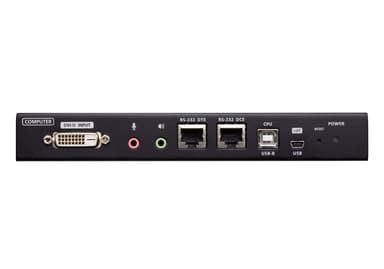
RCMDVI101