
4-Port USB DVI Multi-View KVMP™ Switch
CM1164A
Multi-view switch showing up to four DVI sources on one screen in quad view or picture-in-picture at up to 1920 x 1200, with keyboard-mouse control of the selected source.
Features
- Multi-view console controls up to four video sources on one screen with display modes including Quad View, Picture in Picture (PiP), Picture by Picture (PbP), and Picture on Picture (PoP)
- System configuration via front panel, OSD, IR Remote – display mode and port selection
- Supports superior video quality – Up to 1920 x 1200; YCbCr 4:2:2
- Easily resize and / or reposition any PiP or PbP to suit users’ viewing needs
- DCC (Daisy Chain Control) — Controls up to 3 additional CM1164A units from a single console
- Cascade up to 2 levels — Controls up to 16 computers (with up to 4 x 4 Multi-view mode)
- Computer selection via front panel pushbutton and hotkey, mouse, and the serial commands1
- Boundless Switching – simply move the mouse cursor across windows to switch to other video sources even among the daisy chained installation
- Boundless Switching Focus – a window frame to indicate which computer that it currently has the focus
- Supports Extended Desktops Boundless Switching2
- Video DynaSync™ – exclusive ATEN technology eliminates boot-up display problems and optimizes the resolution when switching among different sources
- HDCP 1.4 compliant
- Supports RS-232 commands
- Drop down menu – edit display windows and other functions with the mouse and on-screen control panel
- Console mouse port emulation / bypass feature that supports most mouse drivers and multifunction mice
- Console keyboard emulation / bypass feature that support most multimedia keyboards
- Independent switching for USB peripheral port, audio function and KVM switch focus
- Auto Scan feature
- Power on detection
- Multilingual keyboard mapping – supports English, French, Japanese, and German keyboards
- Full bass response provides a rich experience for 2.1 channel audio
- Supports keyboard combinations via emulation (for Sun / Mac)3 Note: 1. Mouse port switching is only workable under the mouse emulation mode and applicable to 3-key USB wheel mouse only 2. This function is only supported by Multi-View KVMP™ Switch using firmware version v2.3.222 or later 3. PC keyboard combinations emulate Mac keyboard. Mac keyboards only work with their computers
Specifications
- Computer Connections
- 4
- Port Selection
- Pushbuttons, Hotkeys, IR Remote Control, On-Screen Display (OSD), Mouse Wheel, Mouse Cursor, RS-232 Commands
Connectors
- Console Ports
- 2 x USB Type A Female 1 x Single Link DVI-D Female (White) 2 x 3.5mm Audio Jack Female (Green; 1 x front panel,1 x rear panel) 2 x 3.5mm Audio Jack Female (Pink; 1 x front, 1 x rear) 2 x RJ-45
- KVM Ports
- 4 x USB Type B Female 4 x Single Link DVI-D Female (White) 4 x 3.5mm Audio Jack Female (Green) 4 x 3.5mm Audio Jack Female (Pink)
- Power
- 1 x IEC320 Jack
- USB Hub
- 2 x USB 2.0 Type A Female
Switches
- Selected
- 11 x Pushbuttons
LEDs
- KVM
- 4 (Orange)
- Audio
- 4 (Green)
- USB
- 4 (Green)
Emulation
- Keyboard / Mouse
- USB
- Video
- 1920 x 1200 @ 60 Hz (DVI-D)
- Scan Interval
- 5, 10, 15, 30, 60, 90 seconds (default: 5 seconds)
- Power Consumption
- AC110V/9.7W:71BTU/h AC220V/9.5W:70BTU/h Note: ● The measurement in Watts indicates the typical power consumption of the device with no external loading. ● The measurement in BTU/h indicates the power consumption of the device when it is fully loaded.
Environmental
- Operating Temperature
- 0-40°C
- Storage Temperature
- -10-60°C
- Humidity
- 0-80% RH, Non-condensing
Physical Properties
- Housing
- Metal
- Weight
- 2.46 kg ( 5.42 lb )
- Dimensions (L x W x H)
- 43.72 x 16.40 x 4.40 cm (17.21 x 6.46 x 1.73 in.)
- Note
- For some of rack mount products, please note that the standard physical dimensions of WxDxH are expressed using a LxWxH format.
Firmware
Similar products
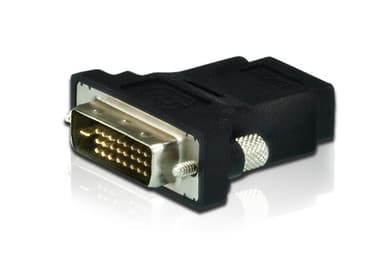
2A-127G
DVI to HDMI Adapter
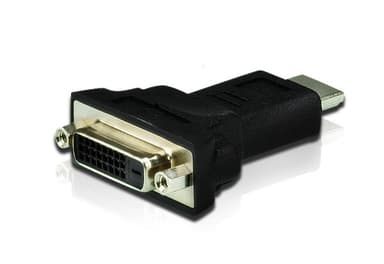
2A-128G
HDMI to DVI Adapter
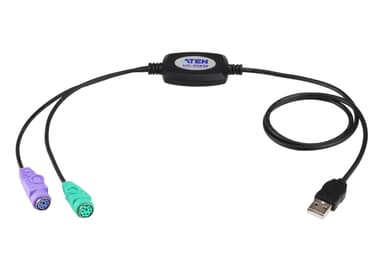
UC10KM
PS/2 to USB Adapter (90cm)
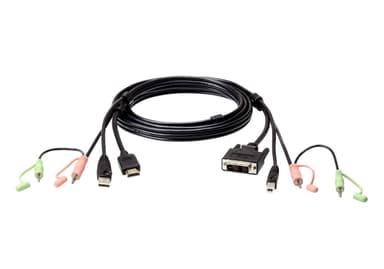
2L-7D02DH
1.8M USB HDMI to DVI-D KVM Cable with Audio
2L-7D02U
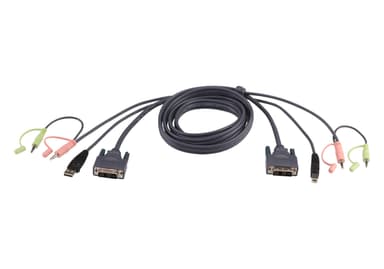
1.8M USB DVI-D Single Link KVM Cable
2L-7D03U
3M USB DVI-D Single Link KVM Cable
2L-7D05U
5M USB DVI-D Single Link KVM Cable
CE610A
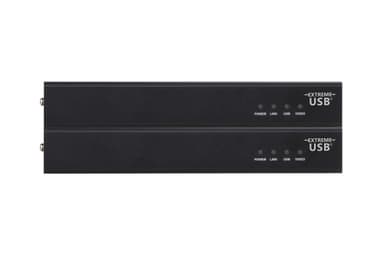
DVI HDBaseT KVM Extender with ExtremeUSB® (1920 x 1200 @ 100m)
CL3884NW
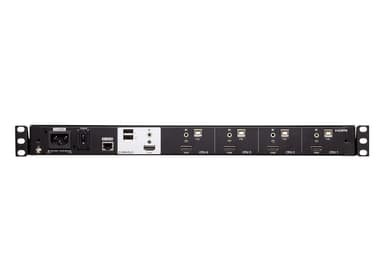
4-Port USB HDMI Multi-View Dual Rail WideScreen LCD KVM Switch
CM1284
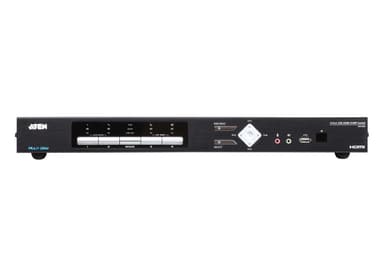
4-Port USB 4K HDMI Multi-View KVMP™ Switch
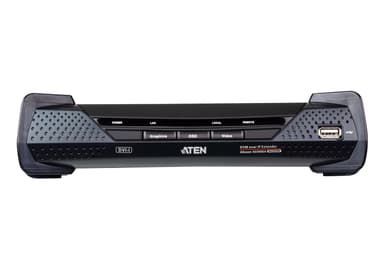
KE6900AR
DVI-I Single Display KVM over IP Receiver
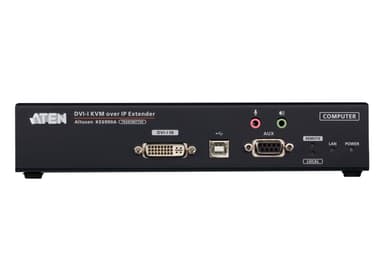
KE6900AT